
When customers find your business through Google, Meta ads or a friend, they usually message you on WhatsApp. WhatsApp AI automation lets a small team answer those messages faster. It connects the official WhatsApp Business Platform to an AI assistant that can answer common questions, give price guidance and book appointments, even after office hours. This guide explains how it works, what to set up and where it can go wrong.
The response time problem for small businesses
Many prospects prefer to send a WhatsApp message instead of filling in a website form. Small teams run into the same problems again and again:
- Slow replies lose leads. If a prospect asks for a price list while your team is out, they may message a competitor next.
- After-hours messages. Many inquiries arrive in the evening, after the founder and admin staff have finished work. If nobody answers until the next morning, some of those buyers will have moved on.
- Repetitive questions. Staff spend hours answering the same questions about location, standard prices, stock and bank details.
Why AI works better than the old chatbots
Older chatbots used menus such as “Press 1 for sales, press 2 for billing”. If a customer wrote in casual Malaysian English or asked something that did not fit a menu, the bot failed. A modern AI assistant works differently:
- It understands context. It can handle messages that mix English, Bahasa Melayu and Chinese.
- It can look things up. Connected to a spreadsheet or CRM, it can check stock, work out a delivery charge or find a product specification.
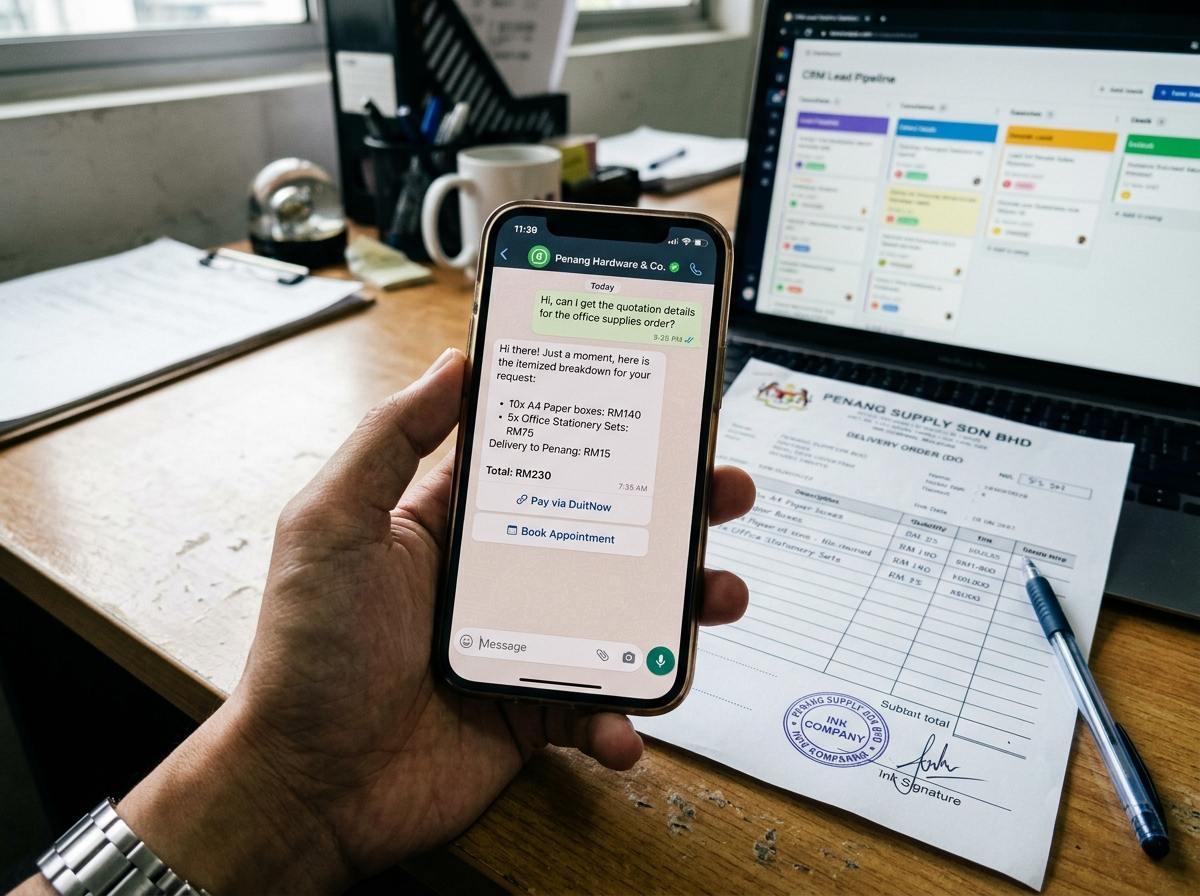
- It can move the sale forward. It can send a DuitNow QR code, an FPX payment link or a booking link when the customer is ready.
The 4-step setup
You do not need custom software. A typical setup uses a few connected tools.
Step 1: The official WhatsApp layer
Register an official WhatsApp Business Platform account through a Business Solution Provider. This avoids the risk of a number being banned for using unofficial tools. SleekFlow and Respond.io are two providers that offer a shared team inbox, routing and contact tags.
Step 2: The workflow tool
Use a tool such as Make.com to connect the pieces. When a message arrives, the workflow passes it on, looks up the customer’s history in your CRM and sends the answer back.
Step 3: The knowledge base
Use an AI assistant tool such as Chatbase or the OpenAI Assistants API. Load it with your SOPs, price list, warranty terms and service terms, and tell it to answer only from that material.
Step 4: Hand-off
When a deal is qualified or an order is confirmed, the workflow records it in Airtable or your accounting software and alerts your team to deliver.
Tool comparison and practical trade-offs
Costs and features change, so check each provider’s current pricing before you decide.
| Tool | Main job | Strengths | Downsides |
|---|---|---|---|
| SleekFlow | Shared inbox and WhatsApp API | Payment links, team assignment, broadcasts | Higher plans can be costly for one-person businesses. Needs Meta verification. |
| Respond.io | Customer conversation management | Flexible bot builder, queue routing | Harder to learn. Per-user pricing adds up quickly. |
| Make.com | No-code workflows | Visual builder, many app connectors | Monthly operation limits can run out during an ad campaign. |
Limits and risks to plan for
Automation does not replace human judgment.
- Meta charges for some conversations. The pricing model changes from time to time, so check the current pricing on Meta’s developer site before you set a budget.
- AI can be wrong. If your product list is messy, it may give a wrong price or specification. Check conversations every day at the start.
- Some messages need a person. Complaints, large custom quotes and sensitive issues should go to a team member straight away.
Frequently asked questions
Can we keep our current number when we move to the WhatsApp API?
Usually yes, but a number generally cannot be used on the normal WhatsApp app and on the API at the same time. Check your provider’s migration steps first. Many Malaysian SMEs use a separate business number for the API.
What if a customer asks something the AI does not know?
Set up a fallback. When the assistant is unsure, or the customer sounds frustrated, it should tag the chat and alert a team member to take over.
Does the PDPA apply?
Yes. The Personal Data Protection Act 2010 covers customer consent, how you store data and any third-party service that processes it. Say in your privacy policy that automated tools help answer inquiries.
Sources
- Meta for Developers: WhatsApp Business Platform documentation and pricing pages
- Malaysia Digital Economy Corporation (MDEC): SME digitalisation programmes
- Department of Personal Data Protection (JPDP): Personal Data Protection Act 2010