
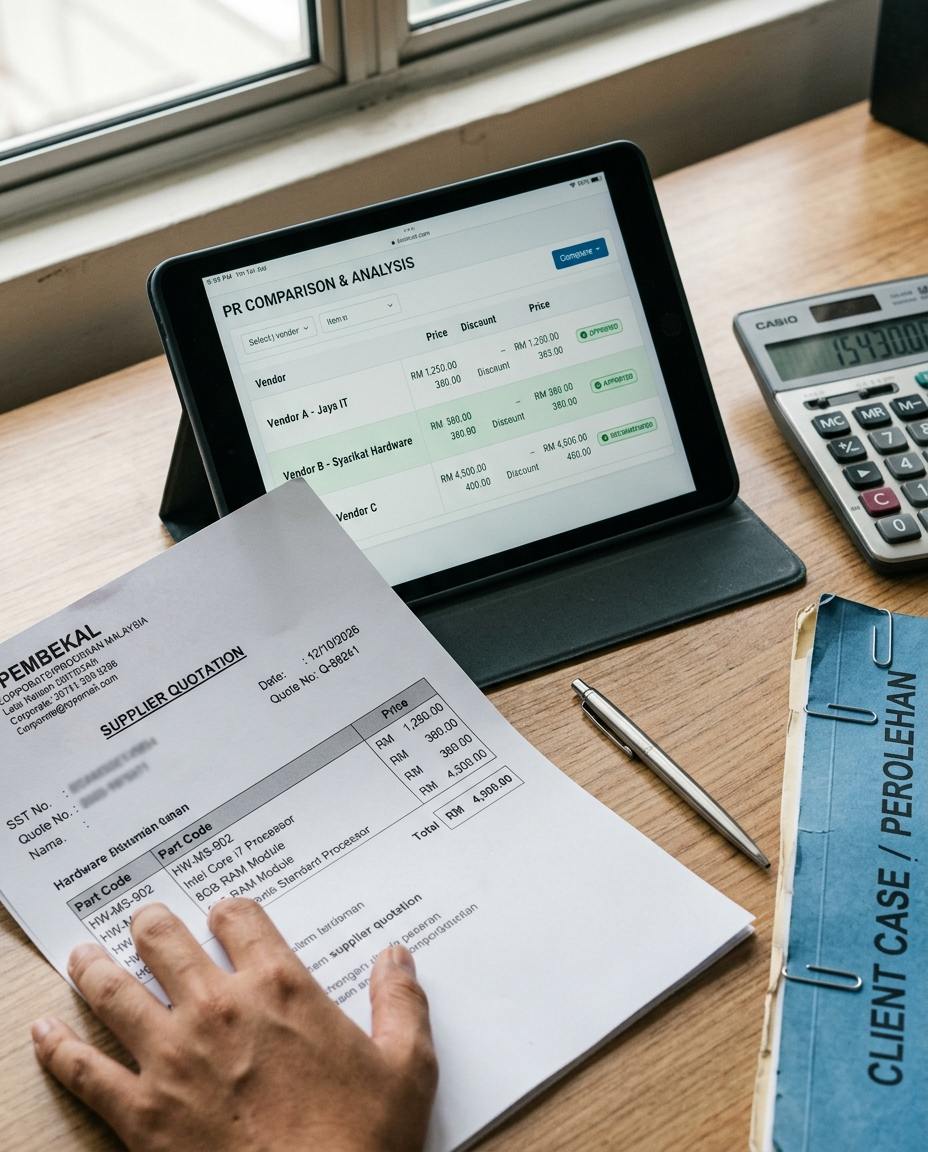
If you run a contracting, hardware, building materials or wholesale business, you know the situation: you ask five suppliers to quote for the same item and get back five different formats. This guide shows how to automate purchase price comparison so AI turns those quotations into one table you can compare directly.
Why comparing quotes takes so long
Supplier A sends a PDF priced per metre. Supplier B drops a screenshot of a table into WhatsApp, priced per roll. Supplier C has the lowest unit price, but the small print says ex-factory, so freight and unloading are not included. Some quotes already include SST and some do not.
Your purchaser has to convert units and check item by item. Building one Excel comparison sheet can easily take half a day, and one wrong unit means you may pick the wrong supplier.
Costs that manual comparison often misses
- MOQ (minimum order quantity), because unit prices change for small orders
- Credit terms, because the gap between 30 days and COD should be counted
- Delivery time, because a site waiting for material can cost more than the price difference
- Whether freight, unloading and SST are included
Looking only at the unit price is an easy way to choose wrong. These terms have no standard format, which is why older software struggled to automate this.
4 steps to automate purchase price comparison
- Collect quotes in one place. Set up a dedicated mailbox, for example rfq@yourcompany.com, and ask every supplier to send quotations there. Forward files received on WhatsApp to the same mailbox.
- Let AI read the quotes. Use a document extraction tool such as Parseur or Mindee and set the fields to capture: item, specification, unit, unit price, tax, freight terms and lead time. Test it first on 2 or 3 of the suppliers whose quotes you receive most often and check the accuracy.
- Standardise units and build the table. Use Make.com to convert the extracted data into one unit and write it into Airtable or Google Sheets, one row per supplier.
- Make the final decision yourself. The table should show the total cost with tax, delivery days and credit terms. The system can highlight the option that looks best, but your purchasing manager confirms before you issue the PO.
Things to watch for
AI extraction is not 100% accurate, especially on handwritten or blurry screenshots. At the start, spot-check every quotation and make sure the numbers match before you trust the result. For handwritten documents, we suggest typing the figures in by hand.
The free allowances and prices of each tool change, so check the official pricing page before you sign up.
Is it worth it?
If you compare quotes only once or twice a month, an Excel template is enough. This workflow pays off when you compare several suppliers every week. Start with the one material category you buy most often, and add more once it runs smoothly.
Frequently asked questions
Do I need to know how to code?
No. Both Make.com and Parseur use drag-and-drop setup, although you should expect to spend a day or two learning them.
Can WhatsApp quotations be collected automatically?
You can forward them to the mailbox and process them from there. Connecting WhatsApp directly needs the WhatsApp Business API, which costs more, so small companies should start with email.
Is it safe to put quotation data into these tools?
Quotations contain pricing information, so read the provider’s data location and privacy terms before you use it.
Sources: the official websites of the tools mentioned (make.com, parseur.com, mindee.com, airtable.com). This is general information, not professional advice.